How the system works

Start with the universal steps. Then pick your unit type to finish and send your first campaign.

Universal steps
Step 1 Rent a unit in the shop
1
Pick the vendor for the audience you want (Everything or Breedables or Venue/Club), and pay it to get a licence of it.

When you buy a licence you get automaticaly one month of service, then the service cost is L$750/month.
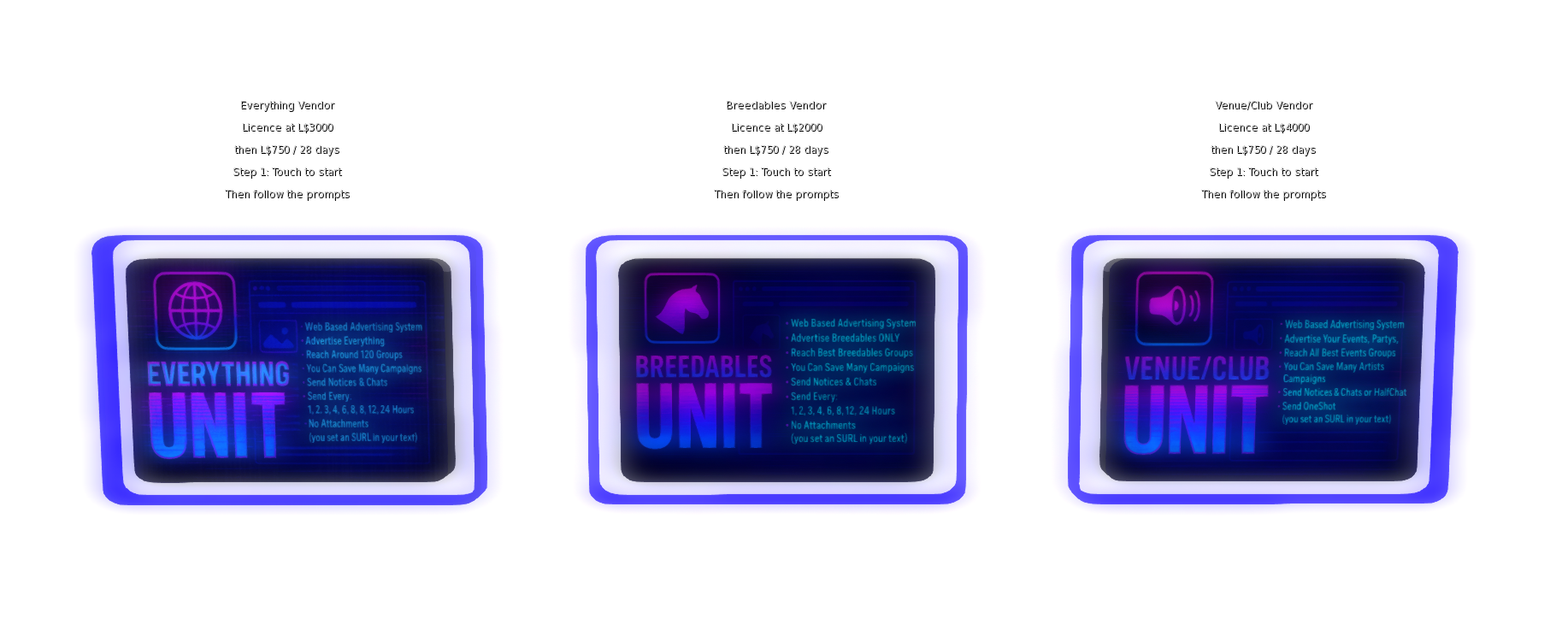
Paying a vendor in the in-world shop
Step 2 Get password & log in
2
After payment, you’ll receive a temporary password in local chat.

Password received in local chat

Log in with your Second Life avatar name (e.g., Advertiser Resident) and that password.
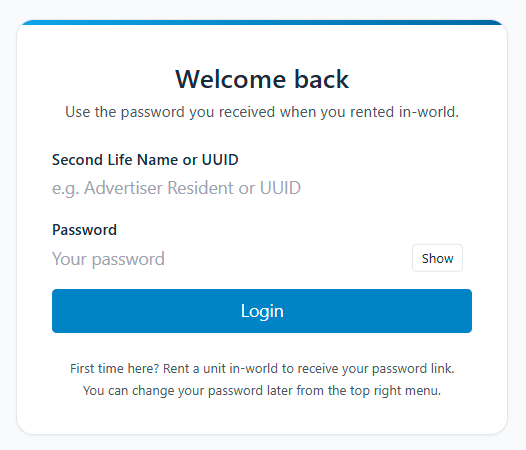
Website login

Your avatar name is your username. Keep the exact spacing.

Step 3 Change your password
3
Use the Change Password button at the top of the site to set your own password.
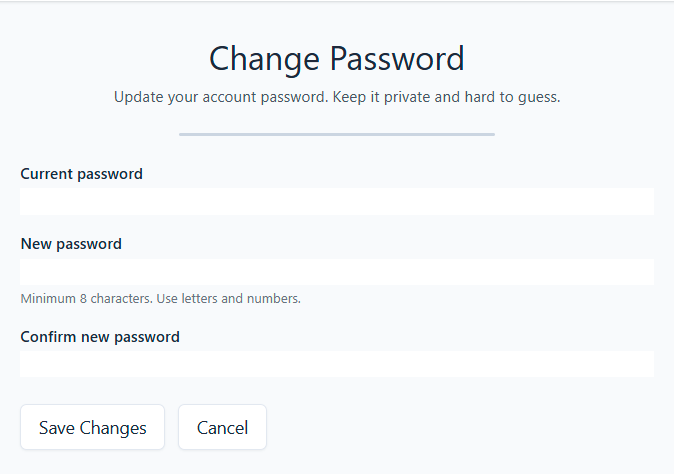
Change password form
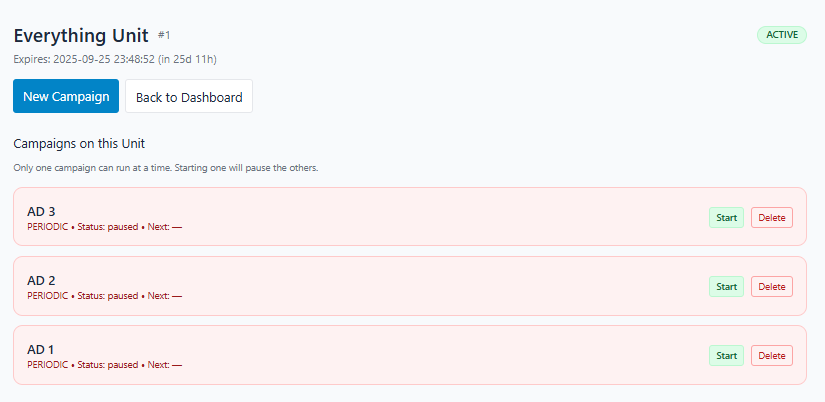
Everything Overview

Targeted reach for EVERYTHING.

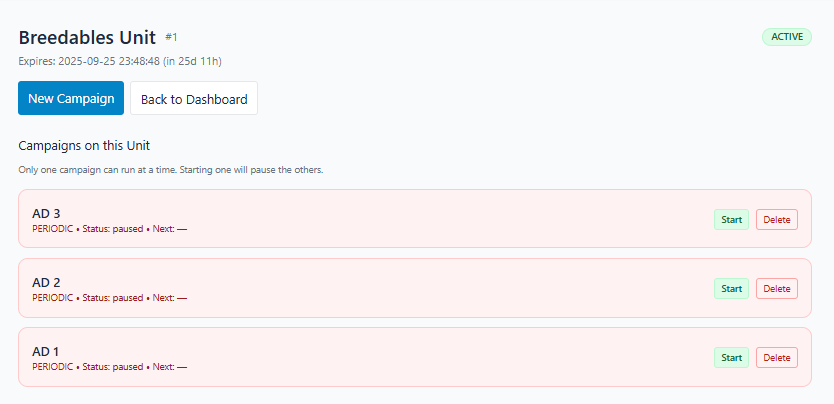
Here you can see your campaigns , max 20.

You can run only one campaign in the same time

If you need or want to run 2 campaigns, then you need to buy another Everything Unit licence.

New campaign form
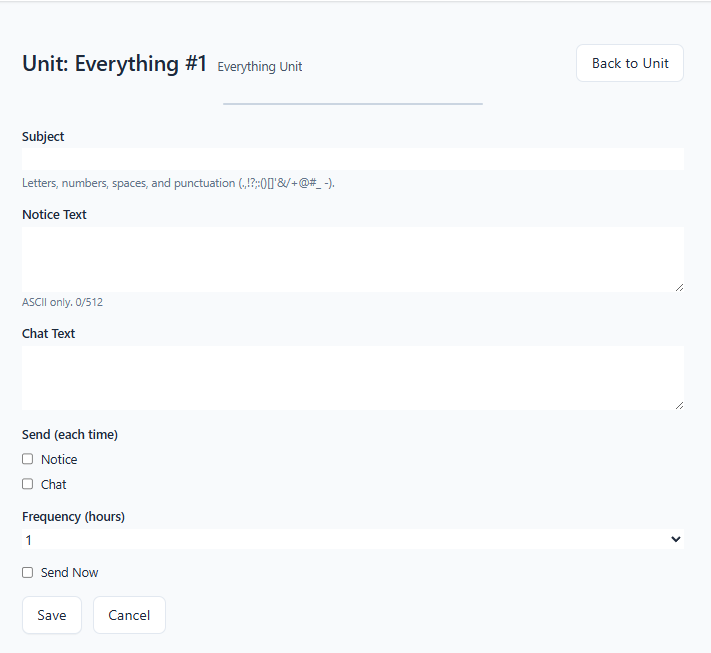
Step 4 Create your campaign
  • Select your Everything rental.
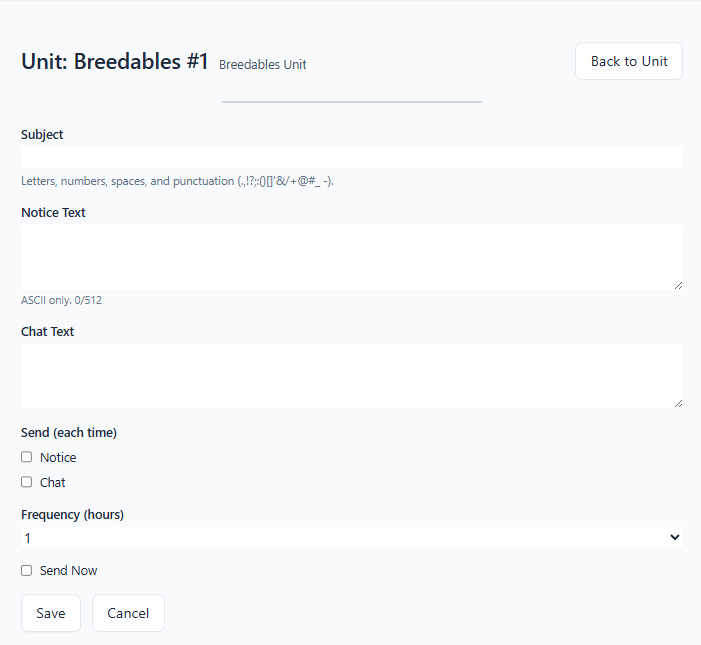
  • Here you write your notice subject and text / notice chat.
New campaign form
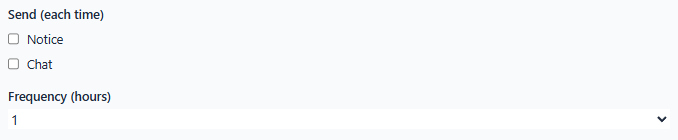
Step 5 Choose delivery
  • Notice, Chat, or Both.
  • Breedables Unit is PERIODIC, it means when you send, it send it now and then every X hours.
  • Then just select the hours frequecy, then it will send it now and then every X hours you selected.
Delivery options
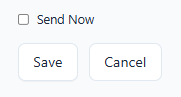
Step 6 Send & Save or Save

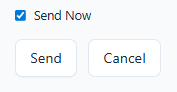
Tick Send now to send immediately — the main button switches from Save to Send. Otherwise, save.

If you want to modify a campaign that you just started,

just have to modify and Save it (dont tick send now), it will send it modified the next time

Save
Send now
Breedables Overview

Targeted reach for Breedables communities.

Here you can see your campaigns , max 20.

You can run only one campaign in the same time

If you need or want to run 2 campaigns, then you need to buy another Everything Unit licence.

New campaign form
Step 4 Create your campaign
  • Select your Breedables rental.
  • Here you write your notice subject and text / notice chat.
Breedables new campaign form
Step 5 Choose delivery
  • Notice, Chat, or Both.
  • Breedables Unit is PERIODIC, it means when you send, it send it now and then every X hours.
  • Then just select the hours frequecy, then it will send it now and then every X hours you selected.
Delivery options
Step 6 Send & Save or Save

Tick Send now to send immediately — the main button switches from Save to Send. Otherwise, save.

If you want to modify a campaign that you just started,

just have to modify and Save it (dont tick send now), it will send it modified the next time

Save
Send now
Venue/Club Overview

Target Nightlife/Venue audiences.

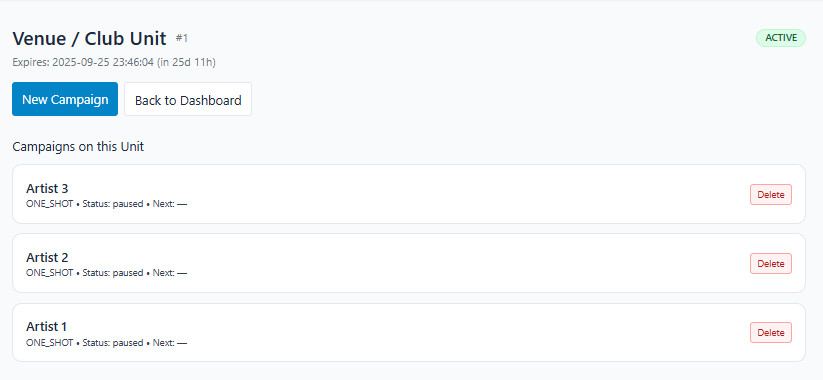
Here you can see your campaigns.

You can prepair up to 20 artists campaigns

New campaign form
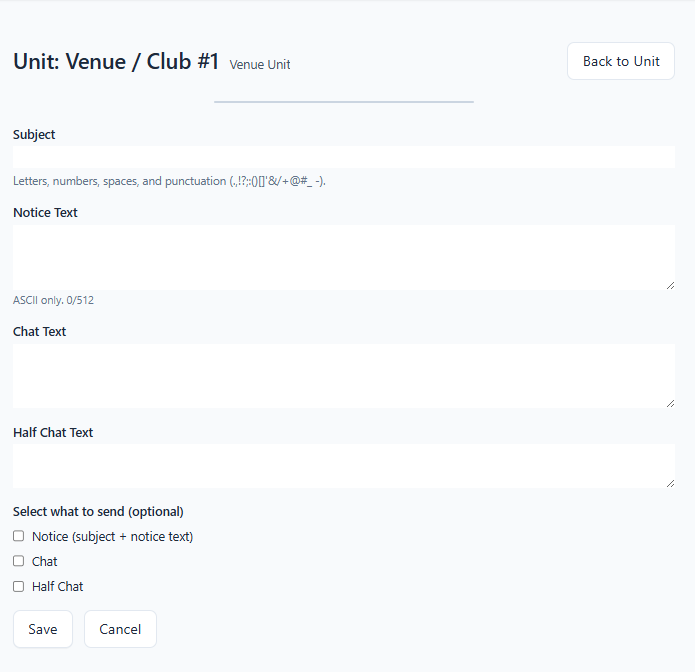
Step 4 Create your campaign
  • Select your Venue/Club rental.
  • Here you write your notice subject and text / notice chat and half chat.
Venue campaign form
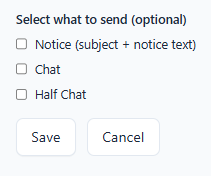
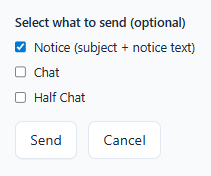
Step 5 Choose delivery
  • Notice
  • Chat
  • Half Chat — cannot be combined with Notice/Chat
  • Venue/Club Unit is ONE SHOT, it means when you send, it send in every groups one time.
  • Here you can select what you are going to send, you can send Notice + Chat or just Notice or just Chat or just Half Chat.
  • If you tick nothing it will only save your campaign. If you tick something it will send what is ticked and save too.
Save only
Save & send
DISCOUNT !...........If you need more than one Unit, you will get a discount directly from the second Unit.